
Hosted checkout
Checkout experience
What your customer sees on pay.paylumia.com, and the few settings that shape it.
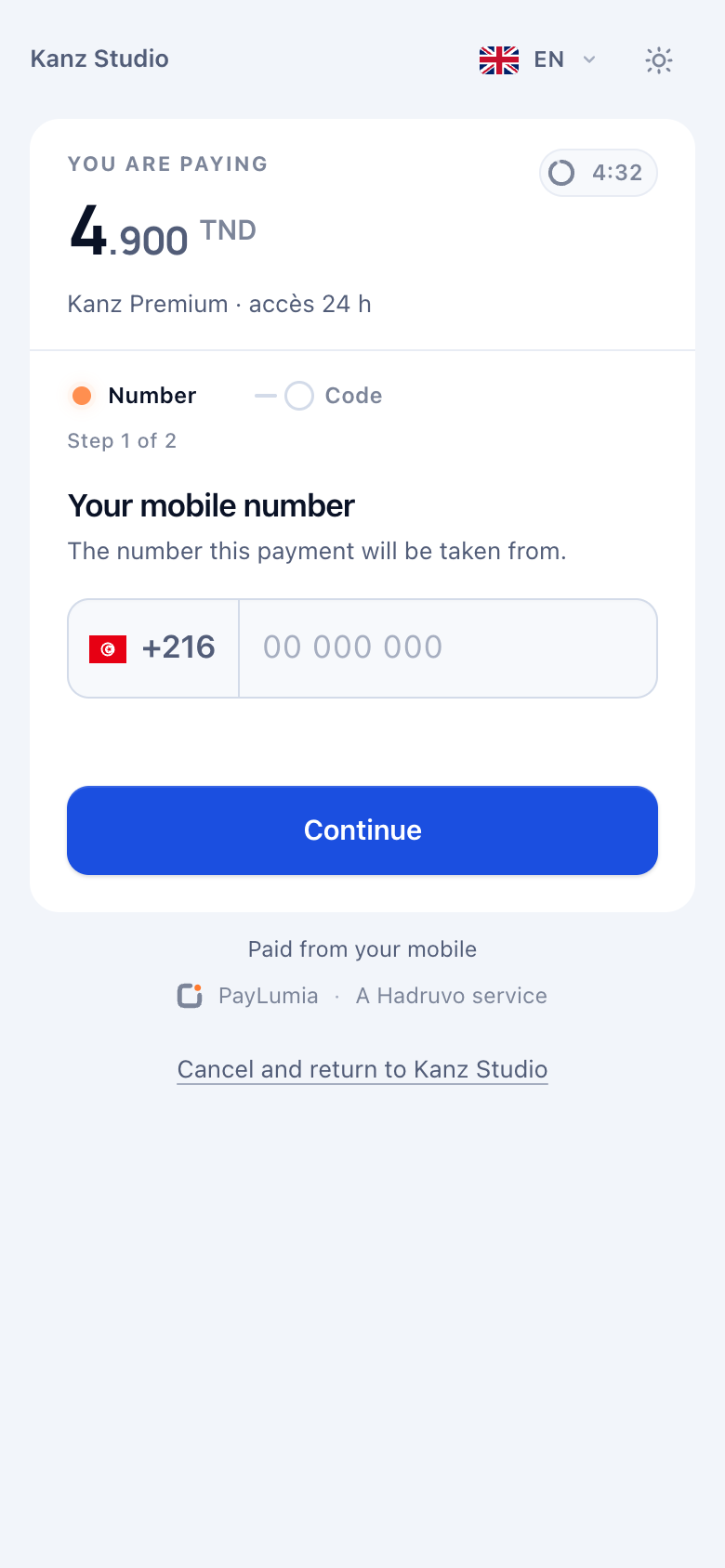
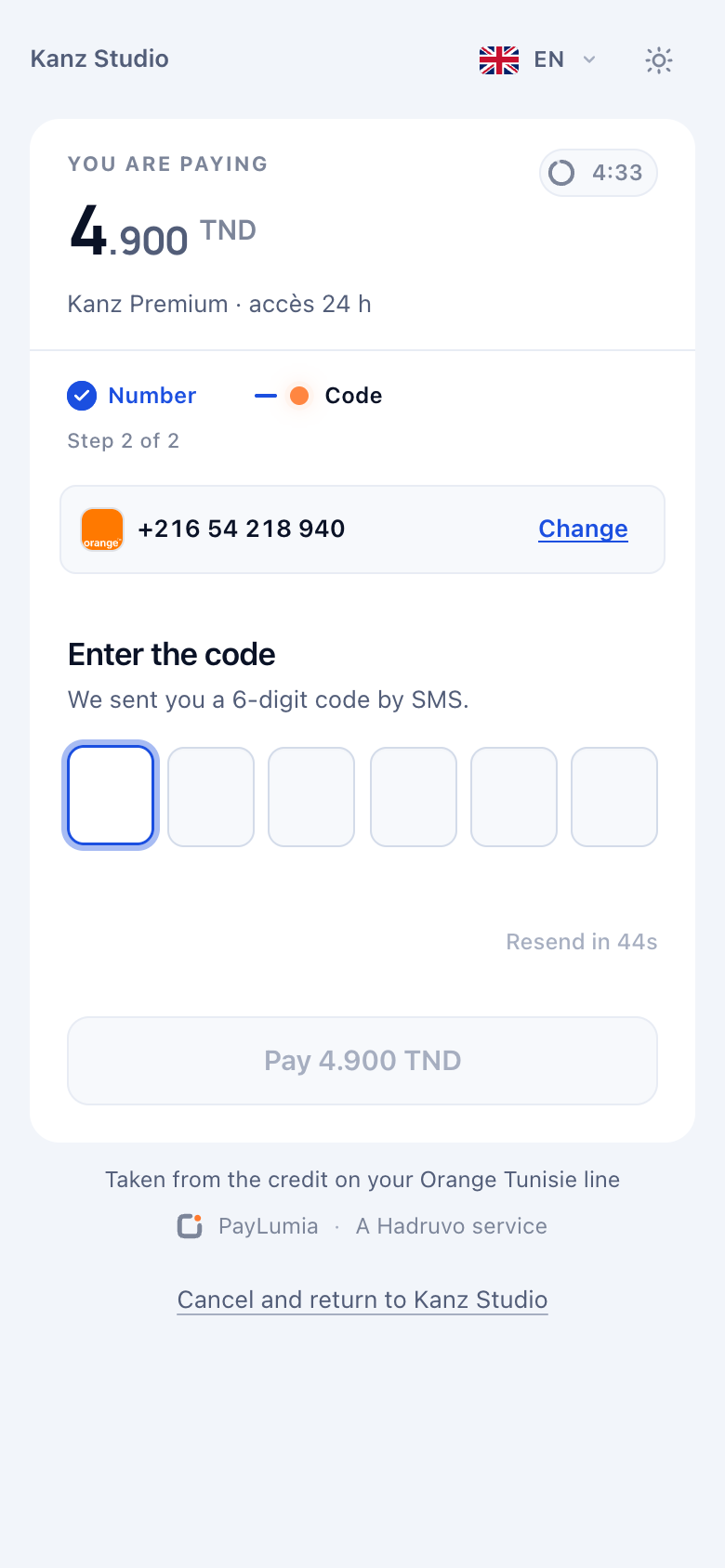
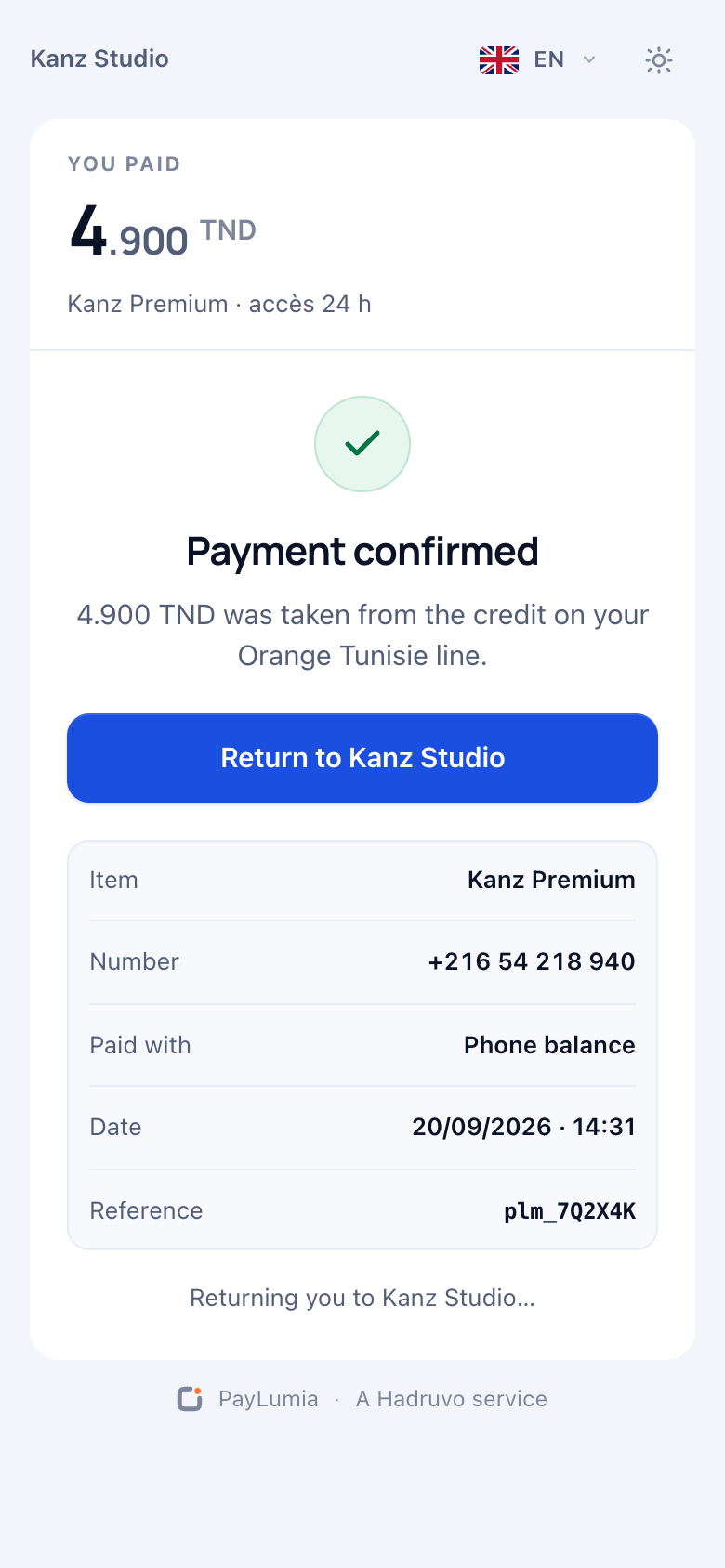
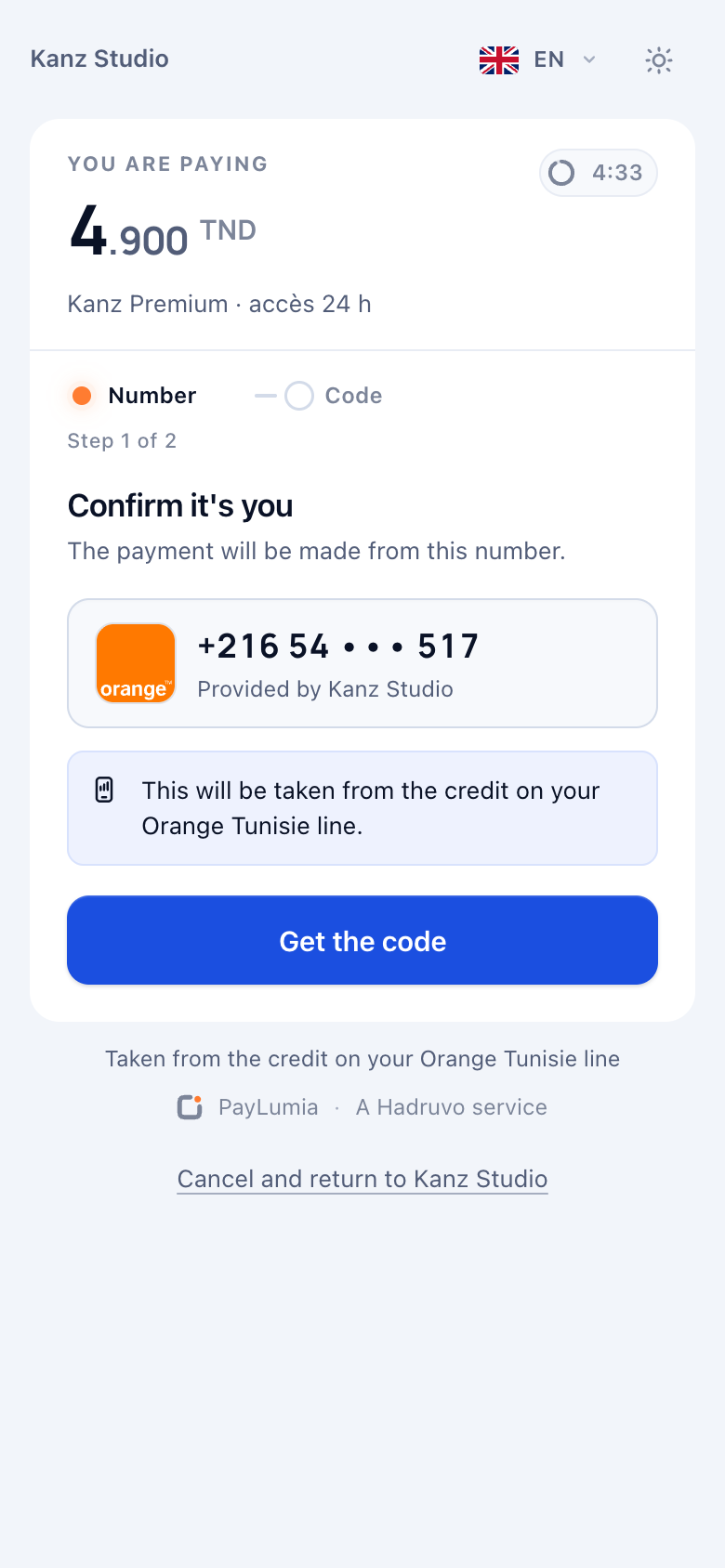
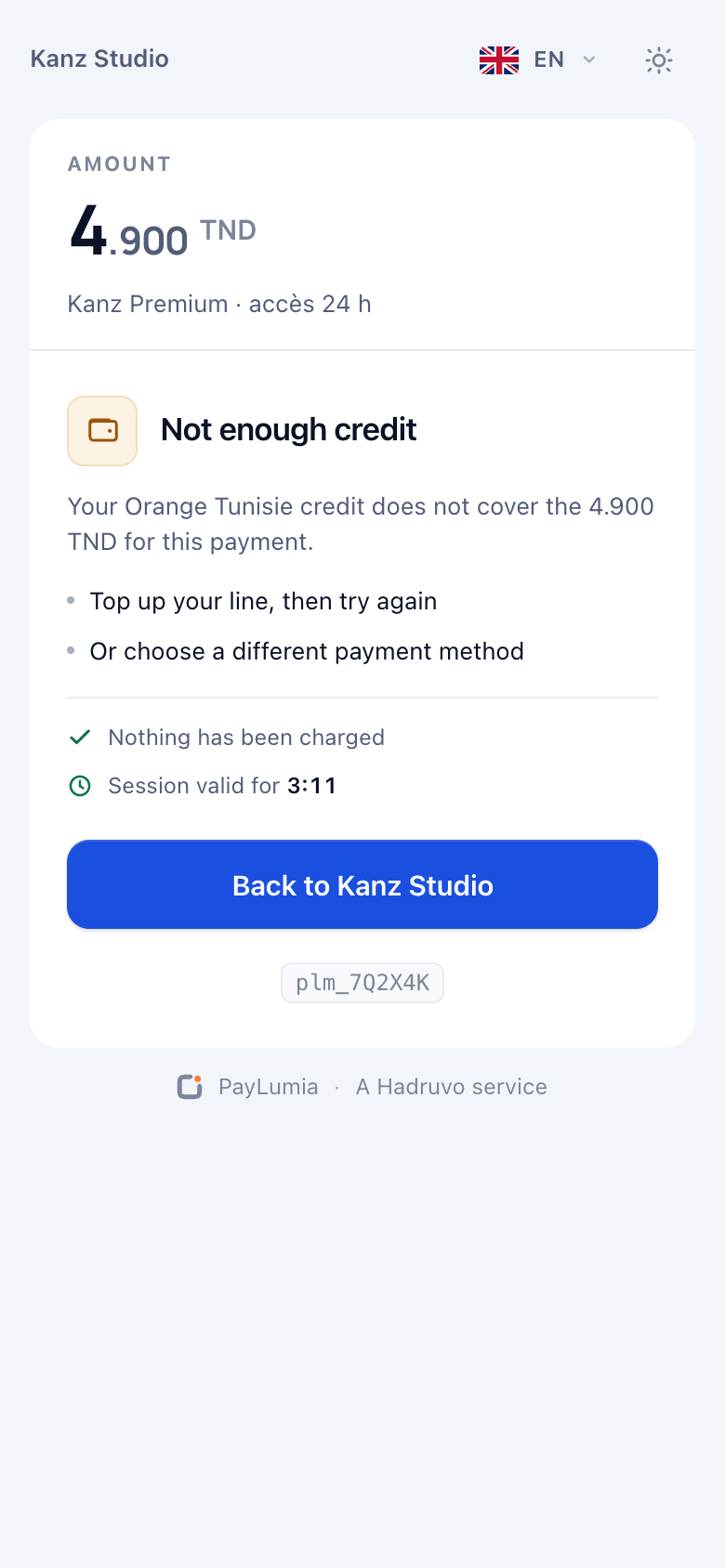
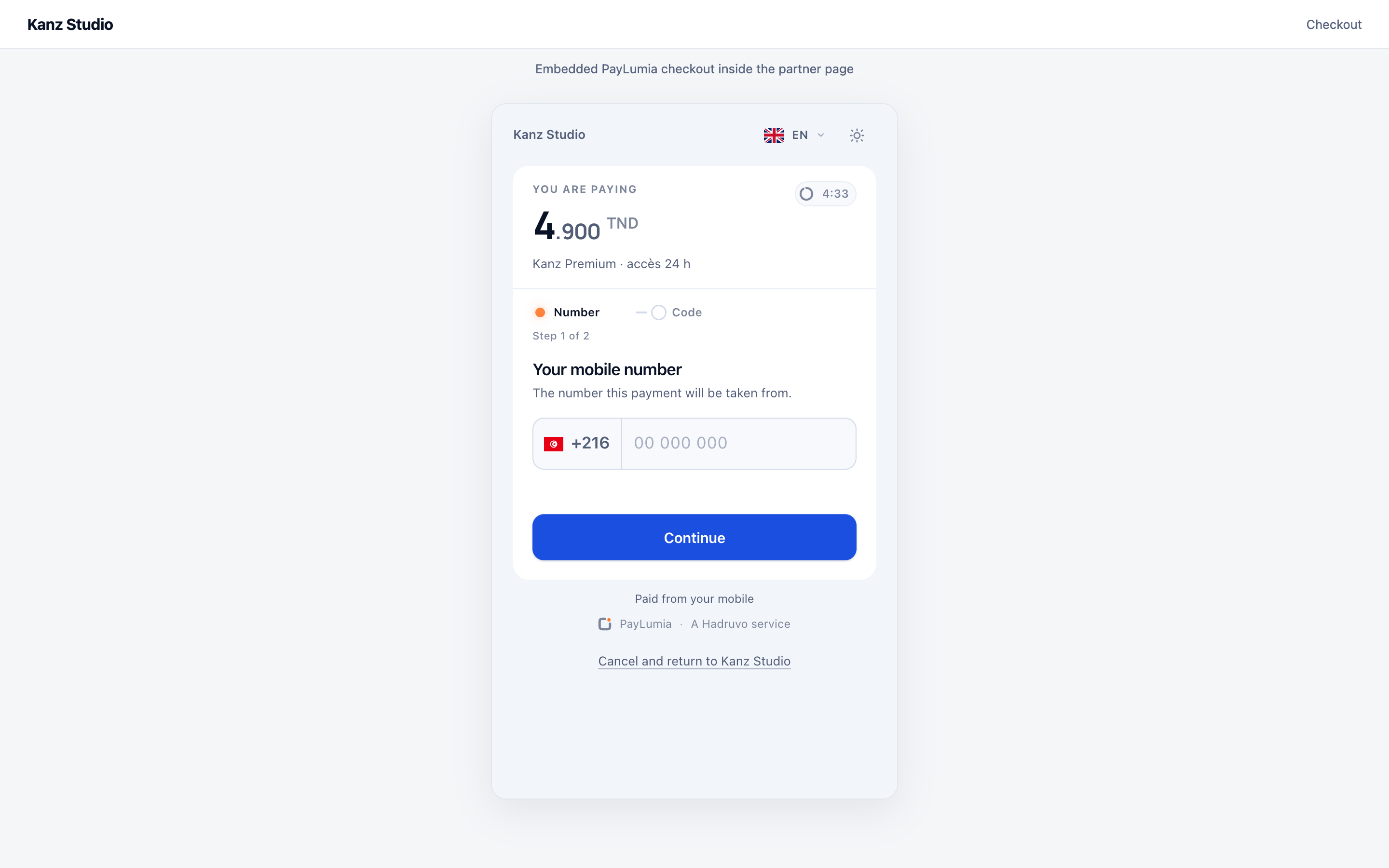
Redirect or embedded
| presentation | Use it when |
|---|---|
redirect | Default. Navigate the browser to checkoutUrl. Simplest, works everywhere, including in-app browsers. |
embedded | You want the checkout inside your own page. Mount checkoutUrl in your layout; the consent screens stay PayLumia’s. |
Prefill and lock the number
If you already know the customer’s number, send prefill.msisdn. Set prefill.msisdnEditable: false to lock it, for example when the customer is logged in with that line. Prefilling saves a step; it never replaces consent.
"prefill": { "msisdn": "+21620123456", "msisdnEditable": false }Consent methods
| Method | What the customer does |
|---|---|
PIN | Enters their number, receives a one-time code by SMS, types it in. |
HEADER_ENRICHMENT | On mobile data the network identifies the line; the customer confirms. On Wi-Fi the checkout falls back to a code. |
MO_SMS | Sends a keyword to a short code from their phone; the checkout waits for it. |
You don’t pick the method in the request: it depends on the operator, the offer and your application’s consent policy. Read what’s available at runtime.
GET/v1/capabilities?countryCode=TN
curl "https://api.sandbox.paylumia.com/v1/capabilities?countryCode=TN&operator=ORANGE_TN" \
-H "Authorization: Bearer $PAYLUMIA_TOKEN"{
"success": true,
"data": {
"countryCode": "TN",
"operator": "ORANGE_TN",
"modes": ["HOSTED", "API"],
"consentMethods": ["PIN", "HEADER_ENRICHMENT", "MO_SMS"],
"operatorConsentPage": false,
"instruments": ["DCB"]
}
}Coming back
When checkout ends, the browser returns to your returnUrl with paymentUid and status as query parameters. They make a good “thank you” or “try again” screen, and nothing more:
The return is not proof
A customer can close the tab, lose signal or tamper with a URL. Grant access from the signed webhook, or from
GET /v1/payments/{paymentUid} on your server.